
A free and open-source WHMCS Addon Module that replaces Google reCAPTCHA with Cloudflare Turnstile, a privacy-friendly and user-centric alternative.
Features

-
Seamless Integration: Works with standard WHMCS themes (Six, Twenty-One) and custom templates.
-
Admin Dashboard: Fully custom configuration interface directly within WHMCS Addons.
-
Page Control: Enable/Disable Turnstile specifically for:
-
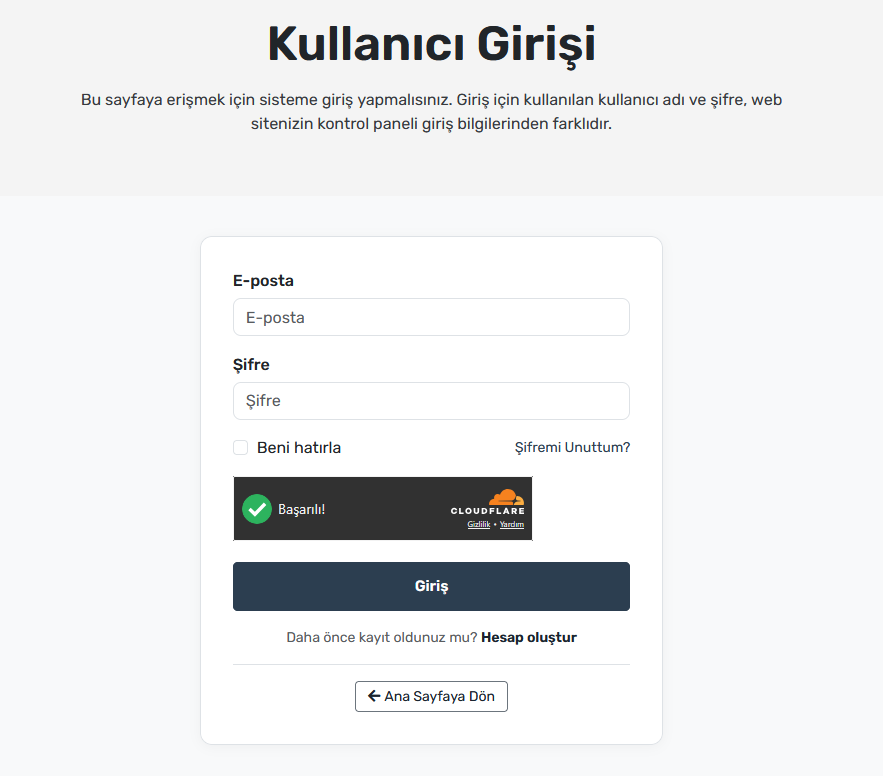
Login Page
-
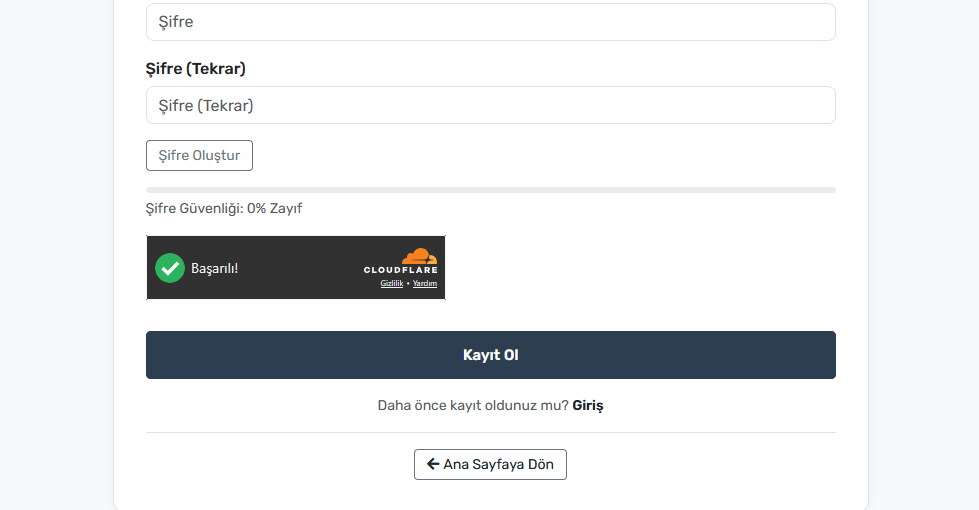
Registration Page
-
Password Reset
-
Contact Us
-
Support Ticket Submission
-
Shopping Cart / Checkout
-
-
Theme Support: Choose between Auto, Light, or Dark widgets.
-
Advanced Selectors: Define custom jQuery selectors to inject the widget into ANY form without editing
.tplfiles. -
Smarty Tag Support: Use
{display_turnstile}in your template files for manual placement.
Installation
-
Download the repository.
-
Upload the
megabre_turnstilefolder to your WHMCS directory:/modules/addons/megabre_turnstile/ -
Log in to your WHMCS Admin Area.
-
Go to System Settings > Addon Modules.
-
Find Cloudflare Turnstile Manager and click Activate.
-
Click Configure to grant access permissions to your admin role group.
Configuration
-
Go to Addons > Cloudflare Turnstile Manager.
-
Enter your Cloudflare Site Key and Secret Key.
-
Toggle the pages where you want the captcha to appear.
-
(Optional) If using a custom theme, enter the jQuery selector (e.g.,
.btn-loginor#submit-btn) in the "Advanced Selectors" section. -
Click Save Configuration.
Pro Tip: To avoid conflicts, go to System Settings > General Settings > Security and set "Captcha Form Protection" to "Always Off".
Modüle Github'tan ulaşabilirsiniz: Whmcs Cloudflare Turnstile module
Was this answer helpful?
Görüşünüz bizim için değerli!