
How to Install Htop on AlmaLinux 8 (EN)
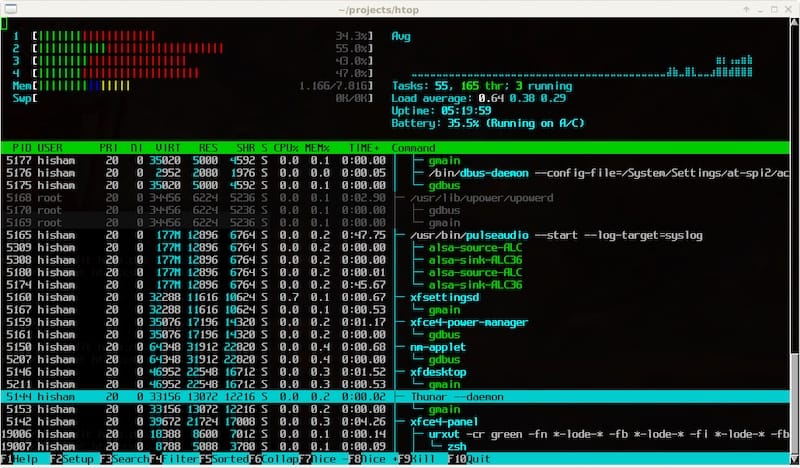
How to Install Htop on AlmaLinux 8?
Step 1. First, make sure your system is up to date.
sudo dnf update

sudo dnf install epel-release
Step 2. Install Htop on AlmaLinux 8.
Now, run the following command to install Htop on your AlmaLinux system:
Once the installation is complete, you can get more information about Htop by running:
sudo dnf info htop
Step 3. Access Htop on AlmaLinux.
To start the Htop package, simply run:
htop
For help and command options, use:
htop --help
🎉 Congratulations! You have successfully installed Htop. Thank you for using this tutorial to set up Htop monitoring on your AlmaLinux 8 system.